
You must choose the following option(s) when you first order your Ghost Laptop. They cannot be added later.
Zorin Disk Encryption

This service locks all the files on your laptop so no one can read them without your password. It creates a LUKS container that encrypts all partitions, including the swap partition, ensuring data protection at rest.
NOTE: Our technician will need a way to receive a passphrase (an encryption password) made by you, or a way to send a passphrase to you. This can be changed later, but it is not easy to do for the average user.
Please email [email protected] to start a conversation about this. Make the subject line read “Zorin Disk Encryption”.
Encryption Recovery Passphrase
This service is only available if you also purchase our “Zorin Disk Encryption” service.
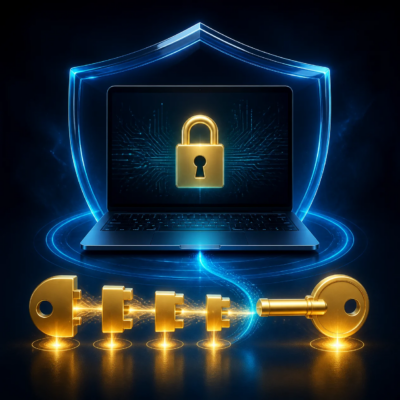
A flash drive will be sent with your Ghost Laptop. It holds a “recovery key,” which is a 48-digit number. If you ever forget or lose your encryption password, you can use this number to unlock the drive.
How to use it:
- Use a separate device to open the document on the flash drive.
- Type the 48-digit number from the document into the encryption password box on your Ghost Laptop.
- The drive will unlock.
If you want to make a new encryption password, email [email protected] and we will send you instructions.
Important: You can make a new encryption password up to 6 times. After the 6th time, the data on the encrypted drive will be permanently lost and cannot be accessed.